
How to Install Nomad IPTV
on Amazon Firestick
Follow this simple guide to get Nomad IPTV running on your Amazon Firestick in under 10 minutes — no technical skills required.
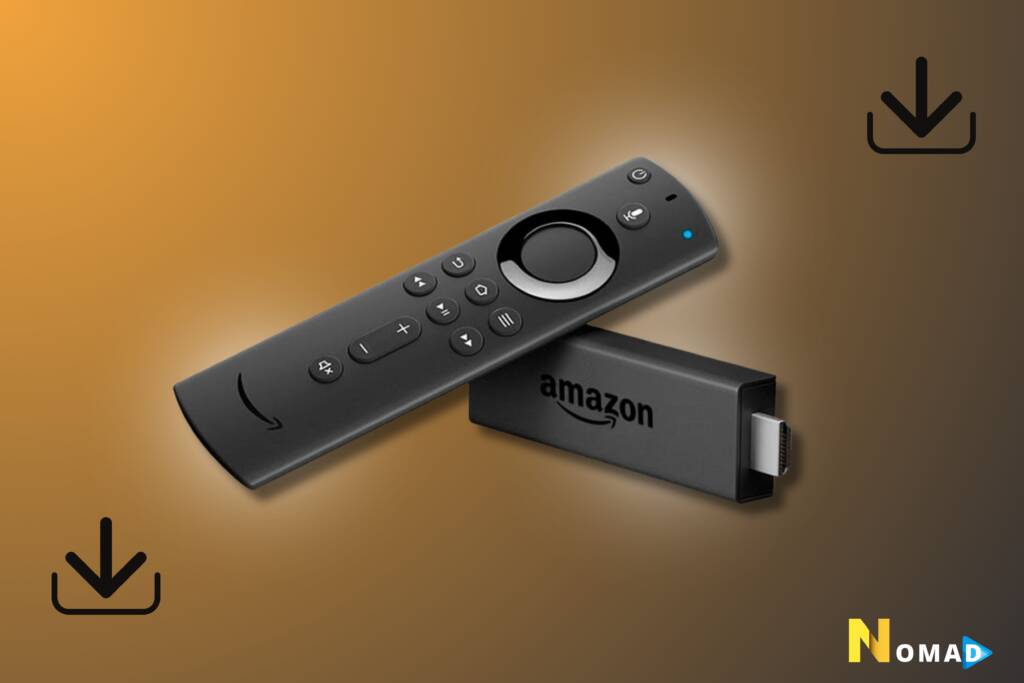
The Downloader app allows you to download apps not available on the Amazon App Store. Follow these steps to install it:


Before you can install third-party apps on your Firestick, you need to allow apps from unknown sources:
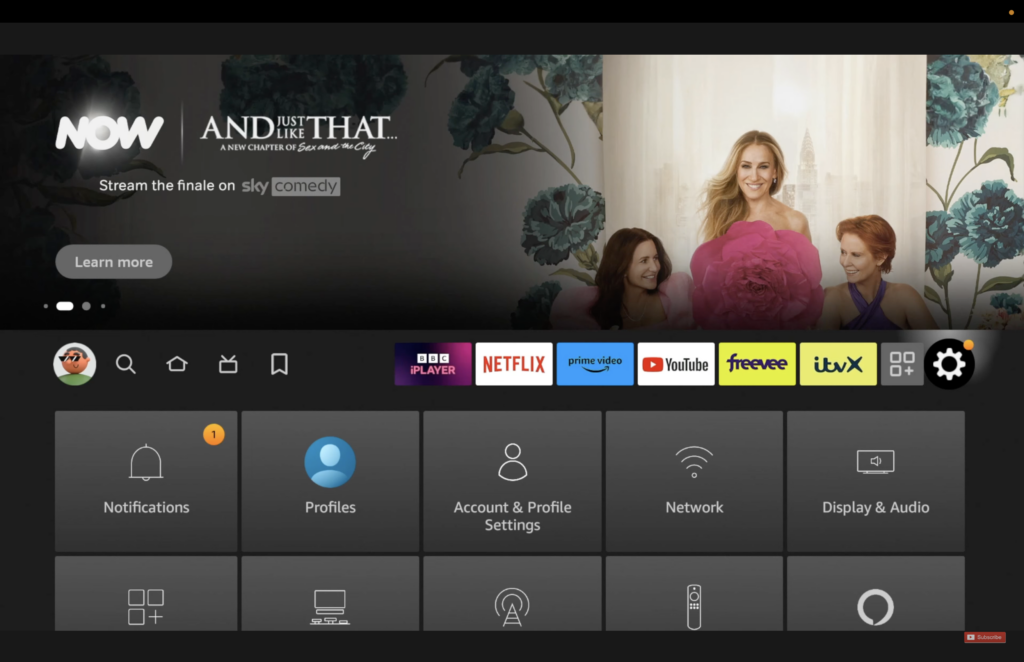


With Downloader installed, you can now download the Nomad IPTV player app directly onto your Firestick:


After installing the Nomad IPTV app, open it on your Firestick. You will be prompted to enter your subscription credentials — these were provided to you when you subscribed to Nomad IPTV.
Once you've entered your subscription details you're all set! The Nomad IPTV app will load all your content instantly.
- The app will load all available Live TV channels, VOD, and series
- Browse through 23K+ channels including sports, news, movies and international content
- Enjoy 4K and HD quality streaming with zero buffering
- Use the EPG (Electronic Program Guide) to see what's on
Need Help? We've Got You
If you need further assistance installing Nomad IPTV app on your Firestick, our 24/7 support team is ready to help you get streaming in minutes.
💬 Contact Support